What is llms.txt and Why Does Your Business Need It?
Discover how a simple text file can help AI search engines understand your business and recommend it to potential customers.

More and more people are using AI tools like ChatGPT, Claude, and Perplexity to find answers to their questions. Instead of Googling, they simply ask an AI: 'What is a good plumber in Amsterdam?' or 'Which company can design my website?' But how does your business ensure AI gives the right answer? It starts with an llms.txt file.
What exactly is llms.txt?
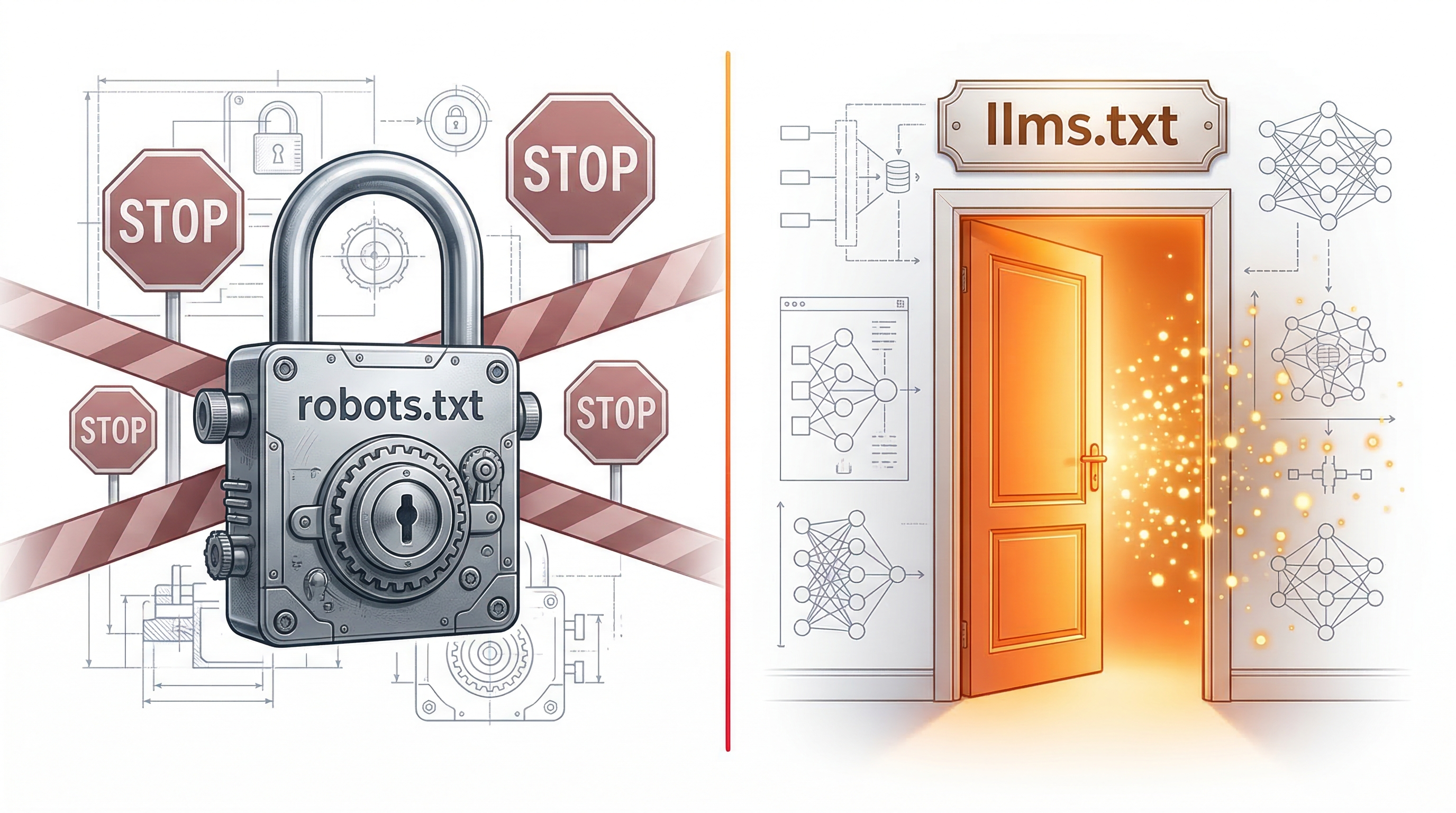
An llms.txt file is a structured text file in Markdown format that you place in the root directory of your website. It is similar to robots.txt (which tells search engines how to crawl your site), but specifically designed for AI systems. The file tells large language models who you are, what you do, what products or services you offer, and how customers can contact you.
The specification was proposed by Jeremy Howard, co-founder of Answer.AI, and is being adopted increasingly widely. Companies like Anthropic (makers of Claude), Stripe, and Cloudflare already have an llms.txt on their website. The format is deliberately kept simple: a Markdown file that can be read by both humans and AI.
Why does your business need this?
Without an llms.txt file, AI has to try to interpret your website on its own. AI crawlers read your HTML pages, but due to JavaScript, navigation elements, cookie banners, and other clutter, they often get an incomplete or confused picture of your business. An llms.txt file presents the information to AI on a silver platter: structured, accurate, and complete.
The result? When someone asks ChatGPT which company provides a certain service, there is a greater chance your business will be mentioned if you have a good llms.txt file. You become discoverable in an entirely new channel that processes billions of search queries per month, and that number is growing rapidly.
What goes into an llms.txt file?
A good llms.txt file contains your company name, a short description, your contact details, an overview of your products or services with links to relevant pages, and background information about your business. All in a clear Markdown format that AI can process directly.
Additionally, you can offer an llms-full.txt file: an extended version with more detail about each page and service. Some AI tools, such as developer tools and code assistants, specifically look for this extended file for deeper context.
How do you install it?
Installation is simple: you place the file in the root directory of your website, so it is accessible at yourdomain.com/llms.txt. For WordPress, you can upload it via FTP or a file management plugin. For Shopify, you create a new template. With other hosting, you upload it via FTP to the same folder as your index.html.
After placing it, you can verify it works by navigating to yourdomain.com/llms.txt in your browser. If you see the file contents, the installation was successful. AI tools will automatically find the file when they analyze your website.
Create it yourself or have it generated?
You can write an llms.txt file yourself if you are technically skilled and understand the specification well. But for most business owners, it is more efficient to have it generated. A good generator analyzes your website, understands your business, and writes a professional file with accurate descriptions and working links.
At llms-txt.nl, we generate your file with advanced AI that actually reads and understands your website. You receive two files (llms.txt and llms-full.txt) via email within minutes, including installation instructions for your website type. No subscription, just a one-time payment of EUR 4.95.
llms-txt.nl editorial team
Articles about AI visibility and llms.txt for Dutch businesses.